

Your health, connected to your doctor

fHealth is a mobile app for patients and clinicians. Capture vitals, keep a personal health record, chat securely, and book appointments. Doctors review measurements and confirm visits. One account can be a patient, a doctor, or both.

  • For patients and doctors
  • Bluetooth sensors
  • Sign in with Google or Apple
fHealth home screen with unread messages, doctors, connected devices and upcoming events

Everything between visits, in one place

Measure at home, keep your doctor in the loop, and plan your next appointment without phone calls.

Pulse oximeter screen with blood oxygen and pulse rate charts for the last 7 days
Blood pressure screen with systolic and diastolic chart

Vitals at home

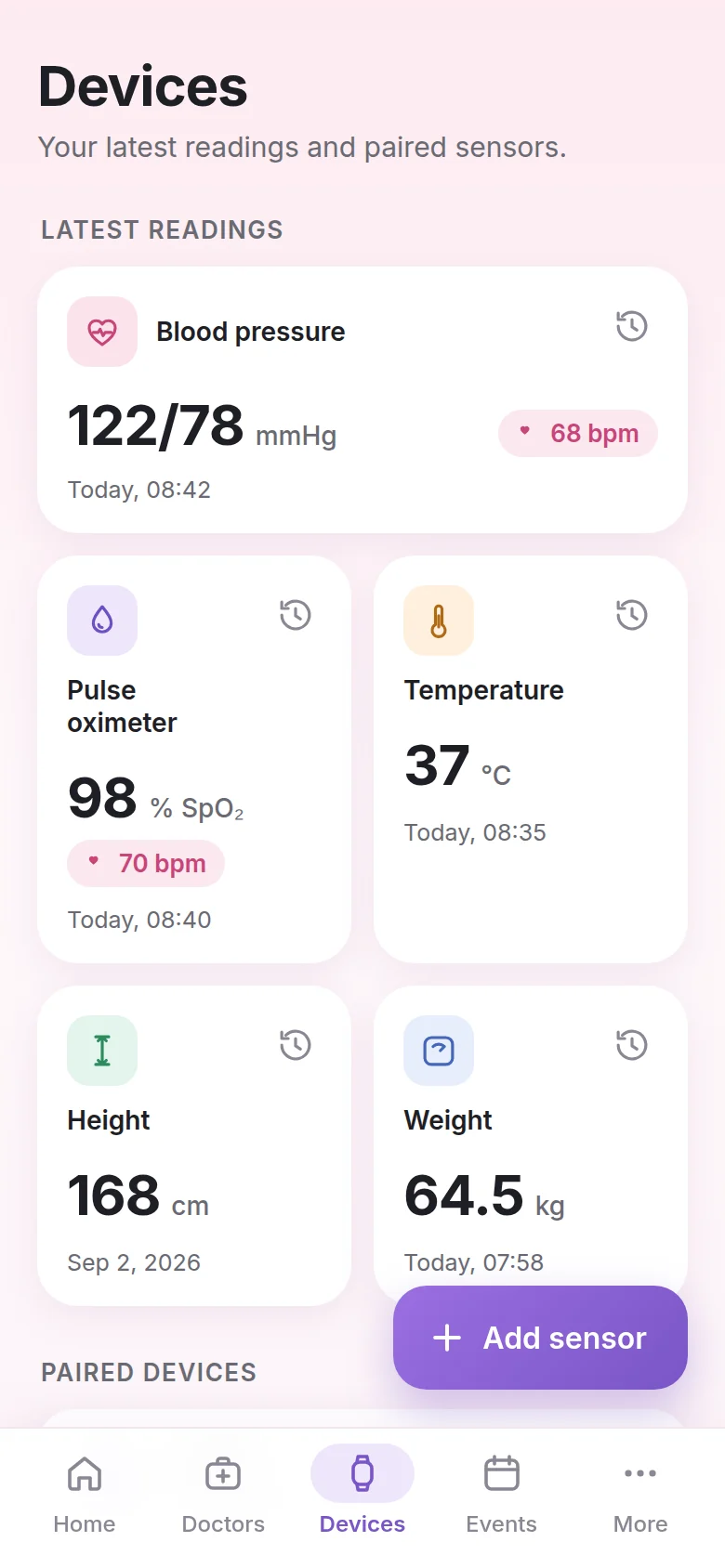
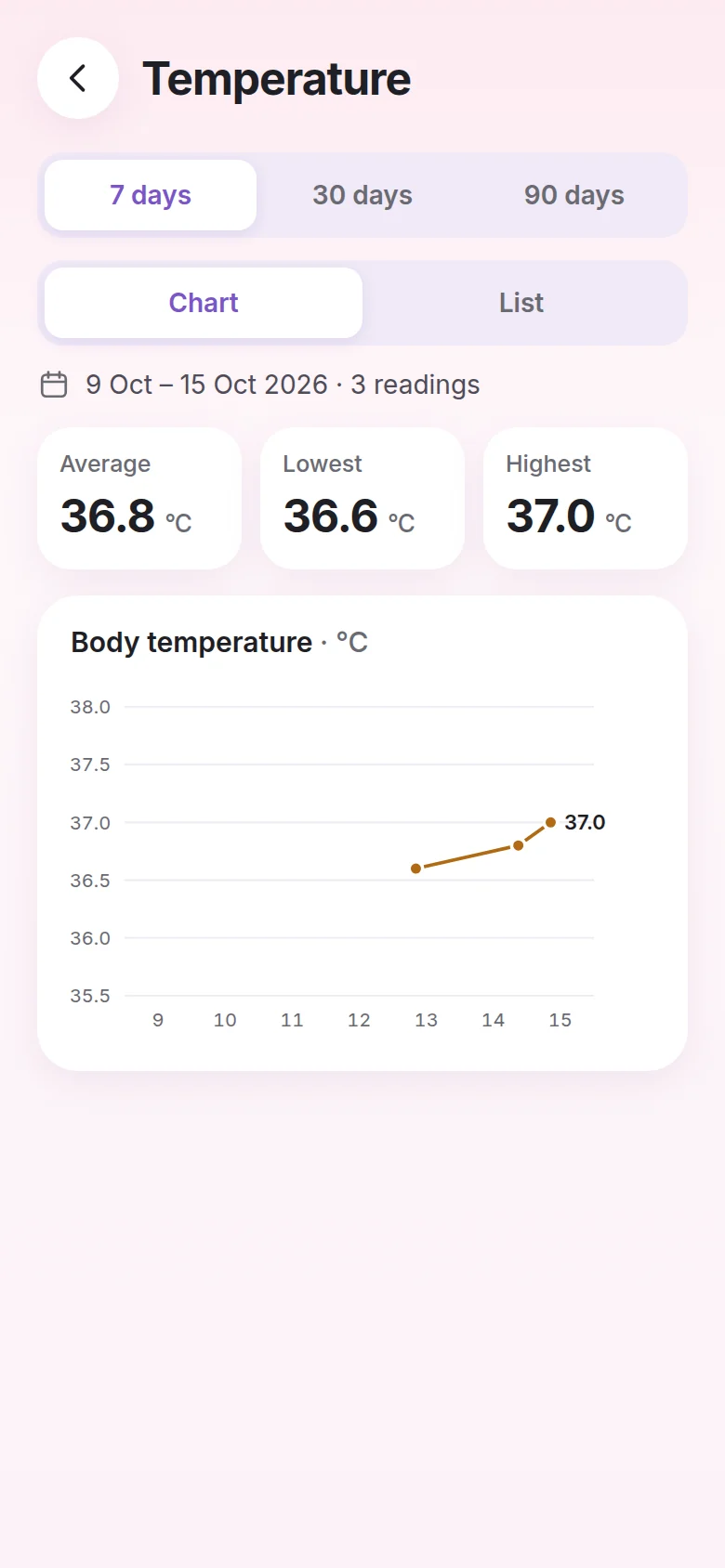
Log pulse oximetry, blood pressure, temperature, height, and weight. Charts and history stay with your account so your doctor can review them.

  • Pair Bluetooth sensors and readings sync on their own
  • See averages, highs and lows over 7, 30 or 90 days
  • Switch between a chart and a list of every reading
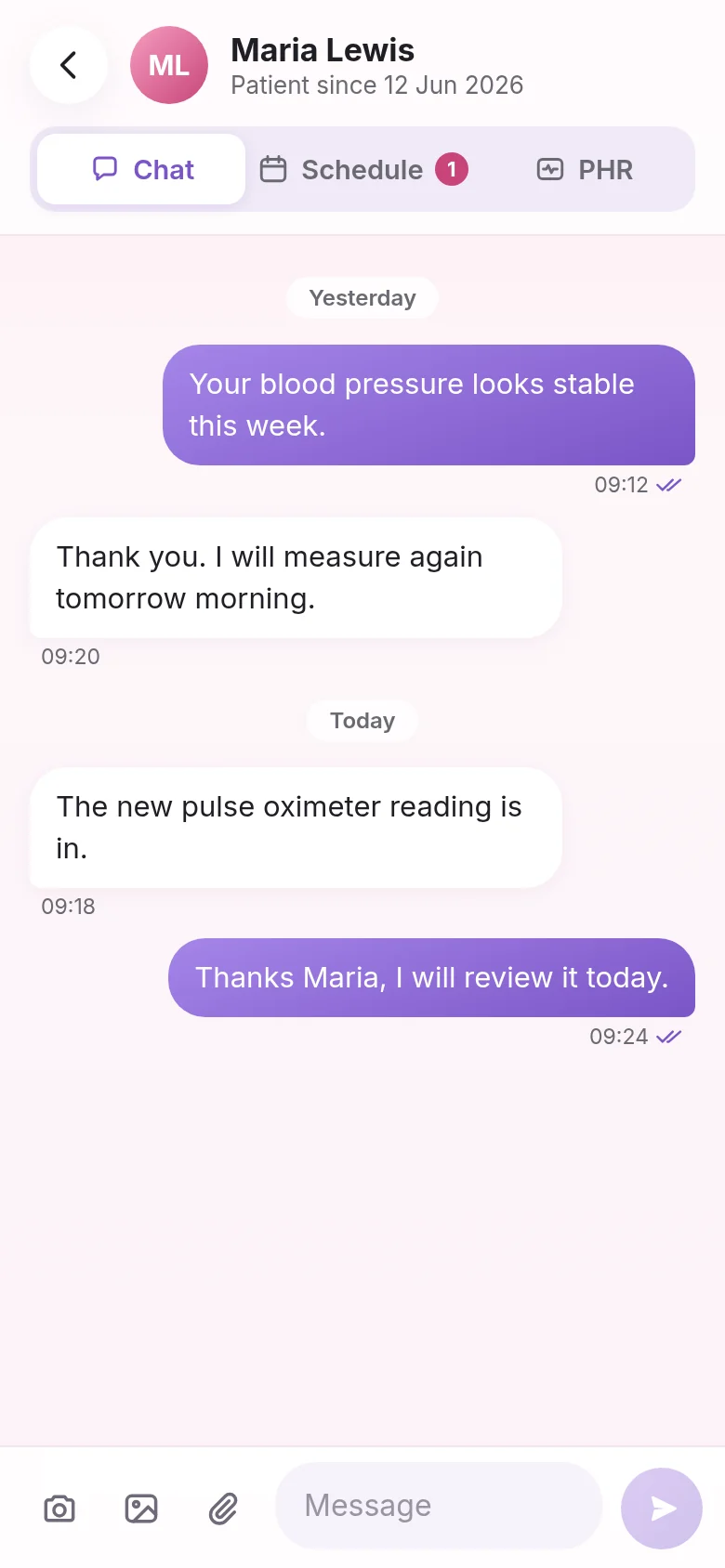
Chat with Dr Emma Johnson about a new pulse oximeter reading

Chat and files

Message your linked doctor with text, photos, and files. Incoming messages can notify you on your phone.

  • Send a photo of a symptom straight from your camera
  • Attach test results and documents to the conversation
  • Read receipts show when your doctor has seen a message
Events screen with a confirmed consultation and a pending follow-up
Book a visit screen with doctor, visit type and date picker

Appointments

Request a consultation or appointment. Doctors confirm or decline. Status is visible to both sides.

  • Choose a consultation, follow-up, check-up or test results visit
  • Pick a date and time and add a note for the doctor
  • Track each request as pending, confirmed or rejected

Doctors use the same app

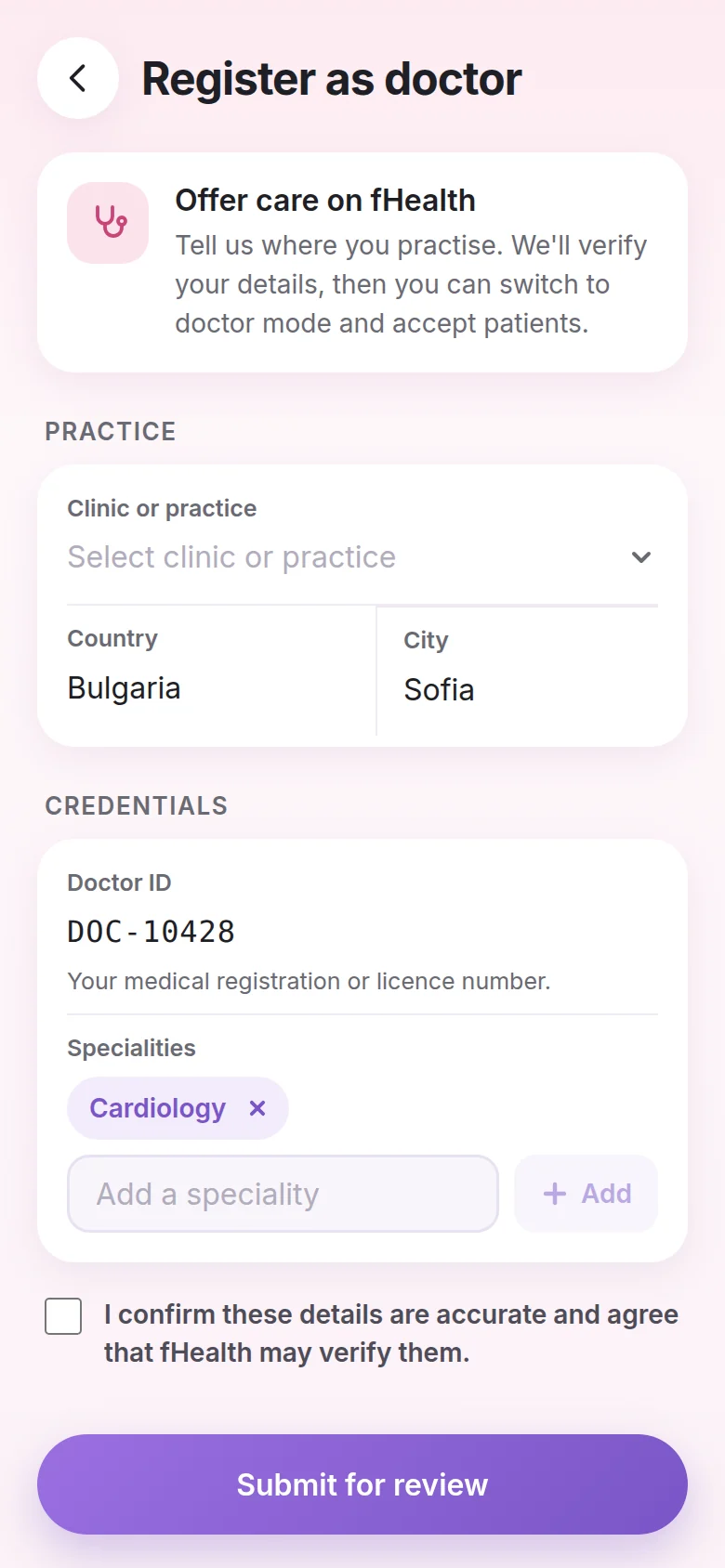
Register your practice, get verified, and switch between patient and doctor mode whenever you need to. Review your patients' readings, answer messages and confirm visits from one place.

  1. Register as doctorAdd your clinic, doctor ID and specialities from the More tab.
  2. We verify your detailsKeep using fHealth as a patient while your registration is reviewed.
  3. Switch to doctor modeAccept patients, see shared records and get alerts about their readings.
Doctor home screen with vitals alerts, patients, new requests and upcoming events

Frequently asked questions

Can't find what you need? Email info@fhealth.app and we'll help.

Who can see my health readings?

Only you, and the doctors you add to your care team. A doctor sees the records you share with them, such as blood pressure or temperature.

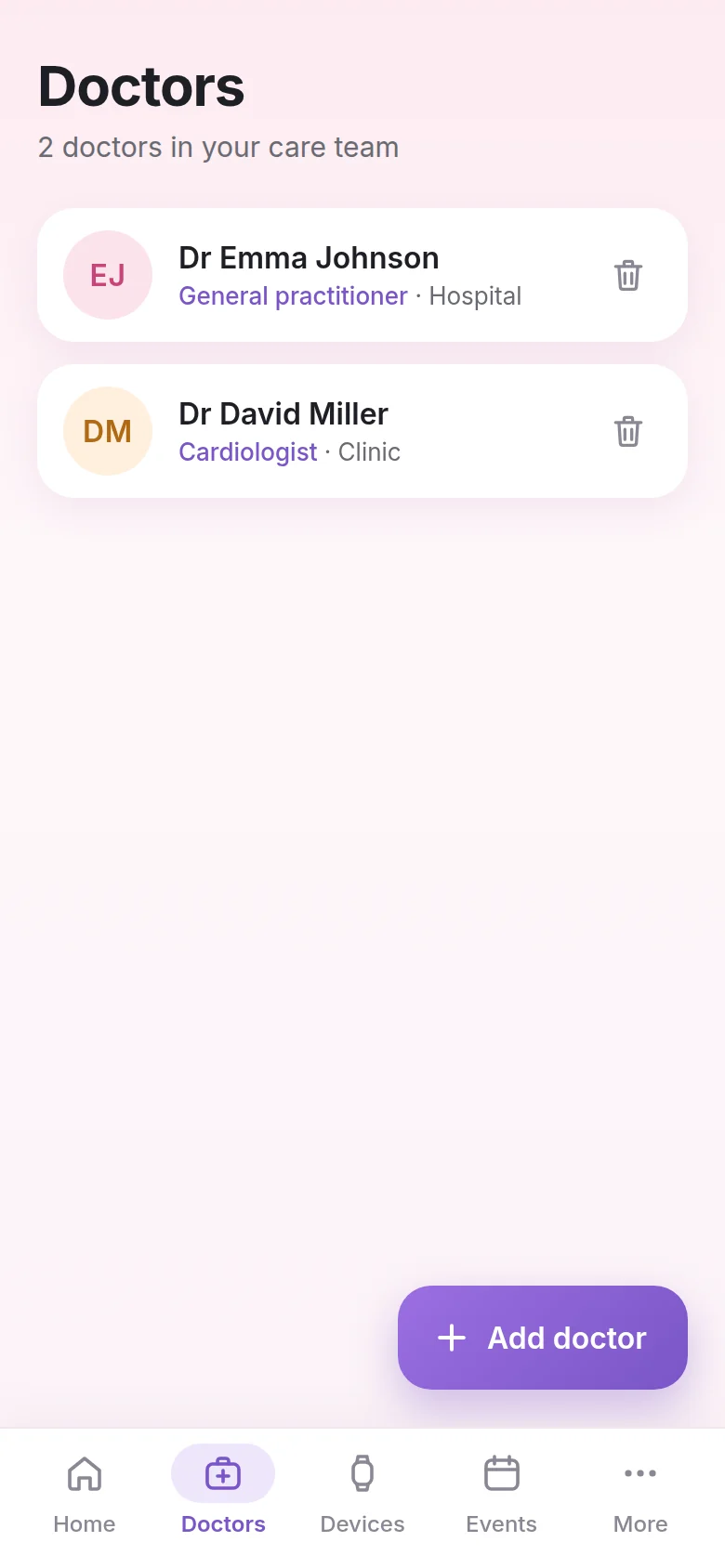
You can add or remove doctors any time in the Doctors tab. When you remove a doctor, they can no longer see your records.

Which measurements can I track?

Blood oxygen (SpO₂) and pulse from a pulse oximeter, blood pressure, body temperature, height, and weight. Each one has its own screen with a chart and a full list of readings over the last 7, 30 or 90 days.

How do I connect a Bluetooth sensor?

Open the Devices tab and tap Add sensor. fHealth searches for nearby sensors. If yours doesn't show up:

  • Make sure Bluetooth is on for your phone.
  • Wake the sensor up, for example by starting a measurement.
  • Keep it within about 1 metre of your phone.
  • If it's paired with another phone, remove it there first.
How do I book a visit with my doctor?

Go to Events and tap Book visit. Choose the doctor, the visit type (consultation, follow-up, check-up or test results), a date and time, and add an optional note. Then tap Send request.

Your doctor confirms the time or suggests another one. You'll see the request as pending, confirmed or rejected in Events.

I'm a doctor. How do I start using fHealth?

Doctor mode is for verified doctors. Once your registration is approved, you can switch between patient and doctor at any time.

  1. Open More and tap Register as doctor.
  2. Enter your clinic, doctor ID and specialities, then submit.
  3. Wait for approval. You can keep using fHealth as a patient meanwhile.
  4. Tap Doctor on the More page to switch.
Why did syncing or notifications stop?

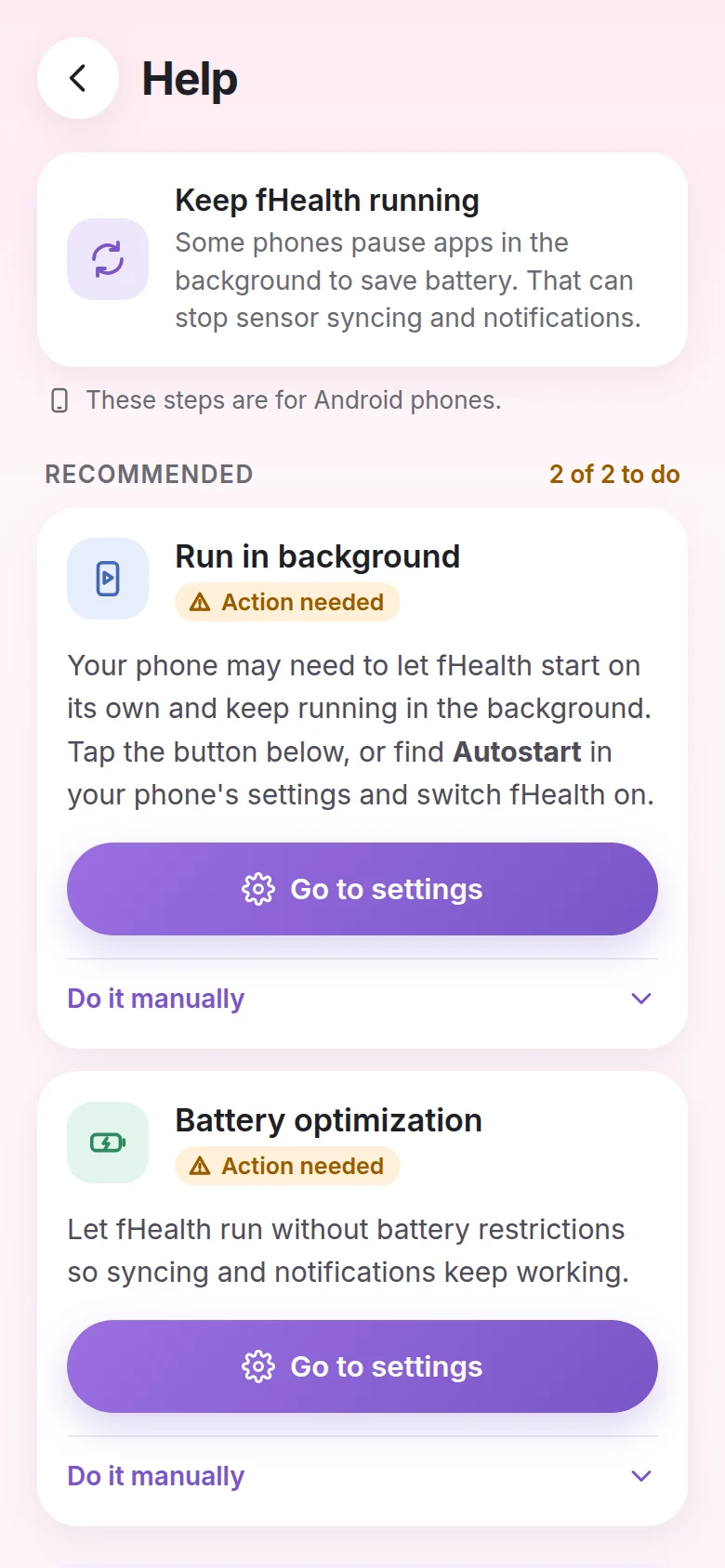
Some phones pause apps in the background to save battery, which can stop sensor syncing and notifications. On Android:

  • Allow fHealth to autostart and run in the background.
  • Set battery usage for fHealth to Unrestricted (or “Don't optimize”).
  • Turn on notifications for fHealth and check that Focus modes aren't silencing it.

In Settings you can also choose how often fHealth syncs, or tap Sync now.

How do I sign in, and how do I delete my account?

Sign in with your Google or Apple account. If you sign out, your data stays safe in your account; paired sensors stop syncing until you sign in again.

To delete your account and its data, email info@fhealth.app. See the Privacy Policy for details.

Need help?

Email info@fhealth.app. We use this address for app support (Apple and Google store listings), privacy requests, and account deletion.